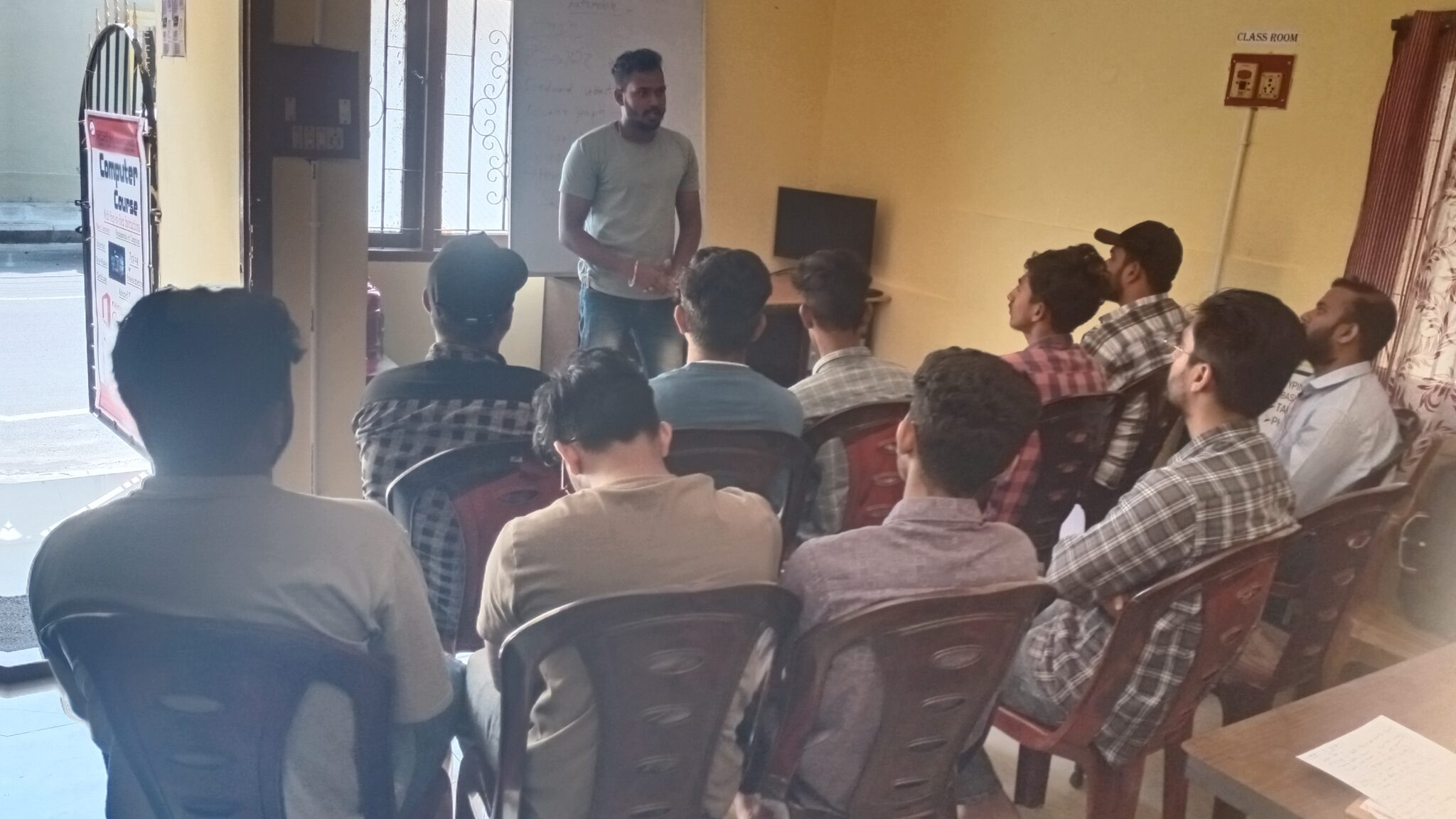
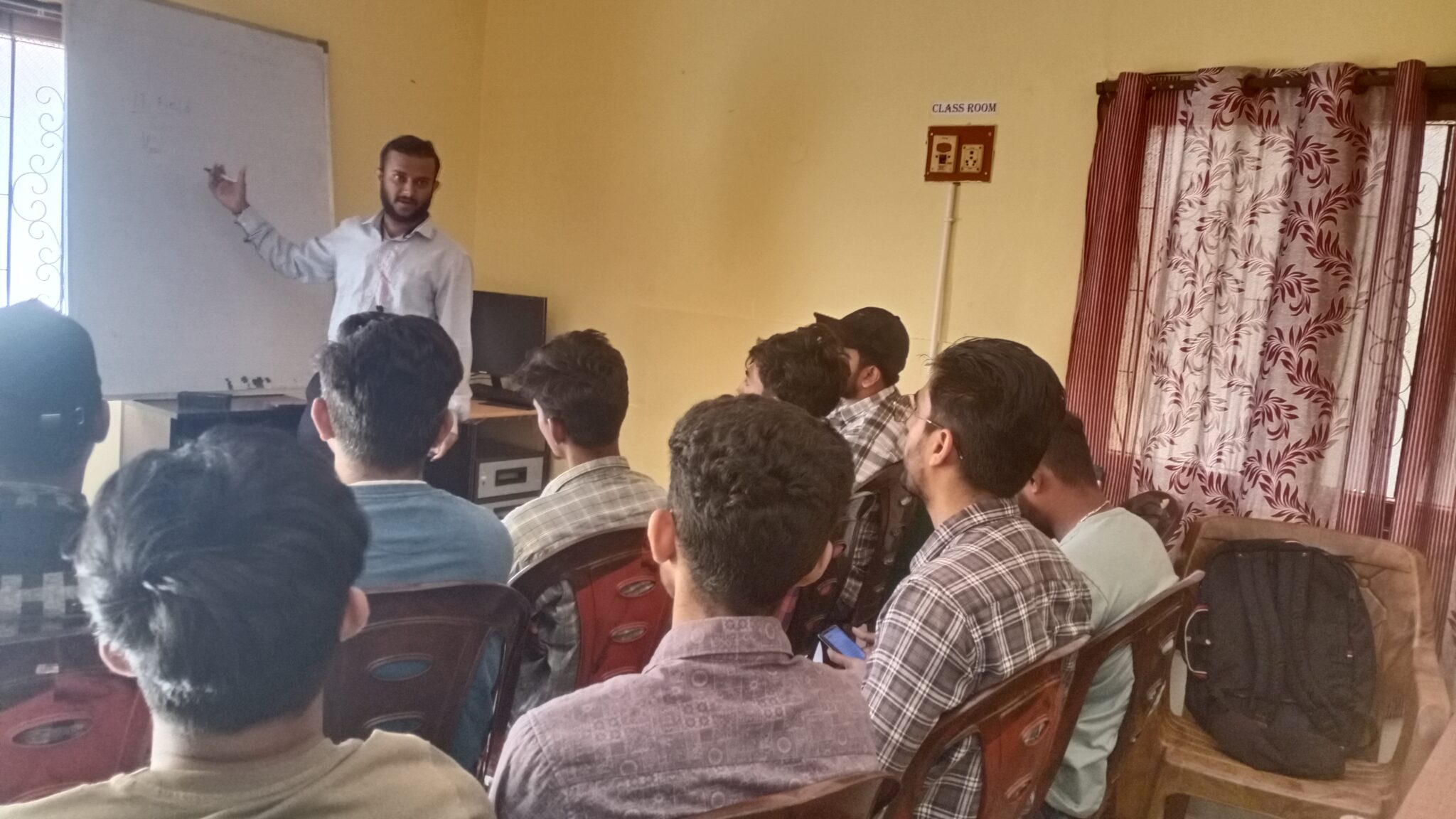
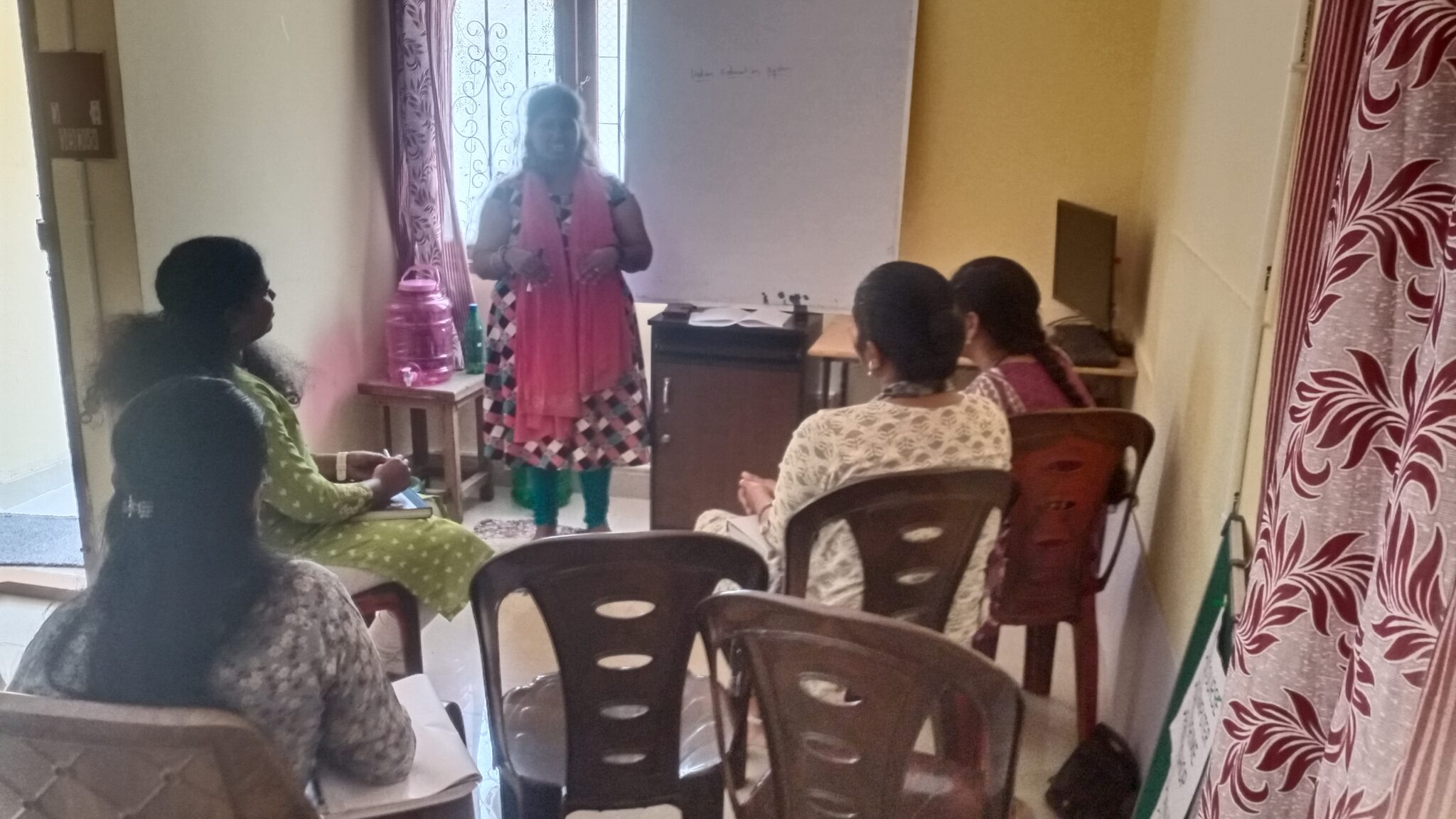
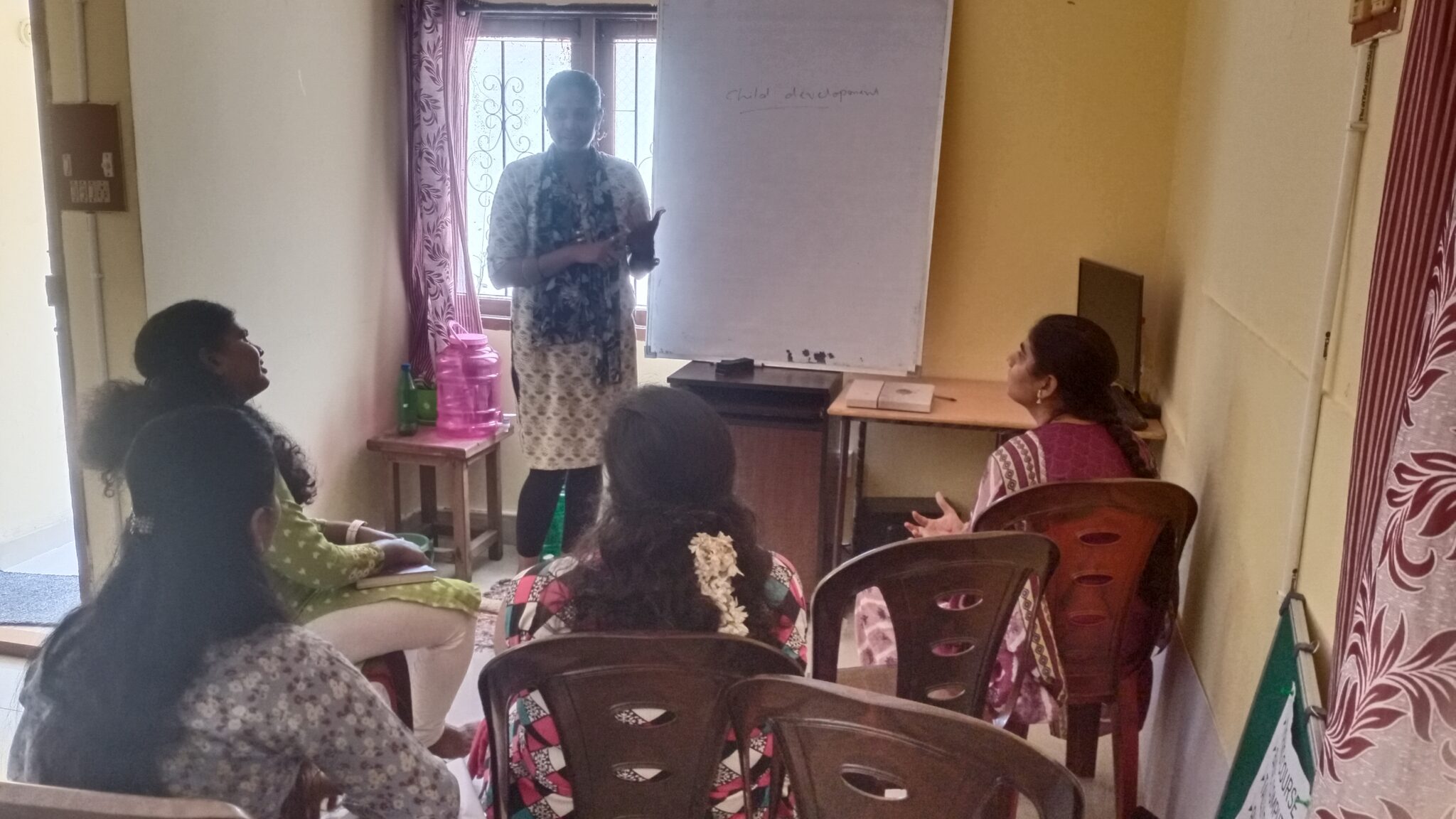
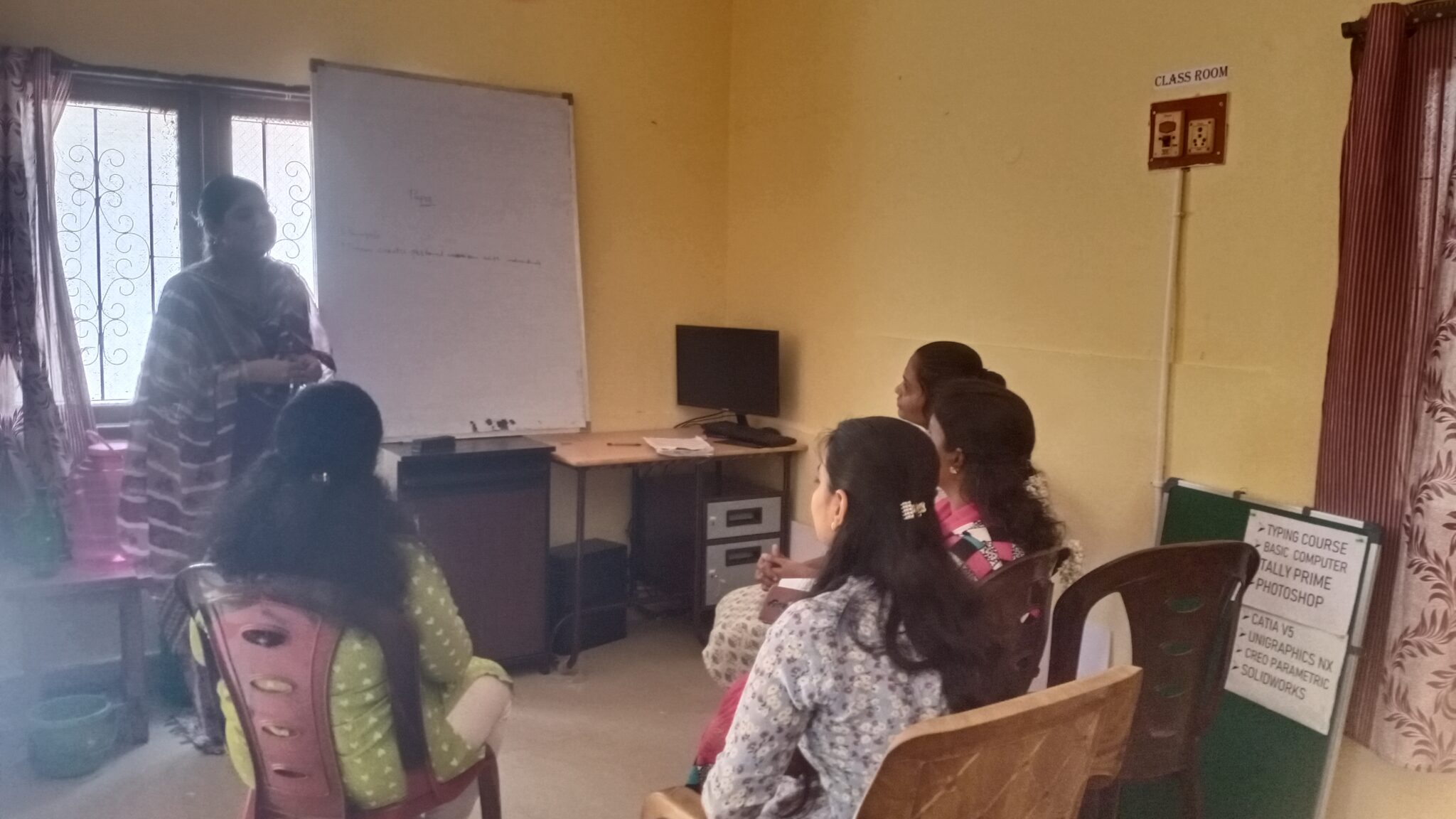
Popular courses

Choose your course to reach your destiny

Course Program

Explore Our Courses

Industry-Oriented training designed to build practical, Job-Oriented skills.

Com­put­ers can be used for online edu­ca­tion & research. With the help of the inter­net, stu­dents can find use­ful infor­ma­tion about their projects, assign­ments and also can take use­ful help from oth­er researchers as they store & orga­nize their research mate­ri­als in com­put­ers.


                                   Course + Assured Place­ments

Contact for the Course

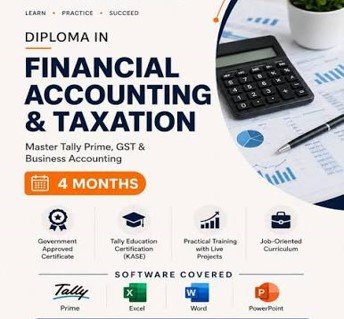
Tal­lyPrime is a com­plete busi­ness man­age­ment soft­ware for small and medi­um busi­ness. Tal­lyPrime helps you man­age account­ing, inven­to­ry, bank­ing, tax­a­tion, bank­ing, pay­roll and much more to get rid of com­plex­i­ties, and in turn, focus on busi­ness growth. 

Stu­dents who com­plete the Tal­ly course might pur­sue a vari­ety of careers in the busi­ness and pub­lic sec­tors. They work in a wide range of set­tings, includ­ing banks, finan­cial organ­i­sa­tion, and oth­er busi­ness­es.


                                           Course + Assured Place­ments


Contact for the Course
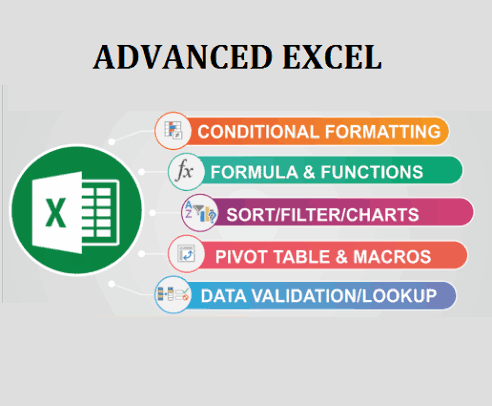
Develop Advanced Excel Skills for professional work, data analysis, and reporting. Learn formulas, funcitons, Lookup tools, Pivot Tables, Charts, dashboards, and practical Business applications

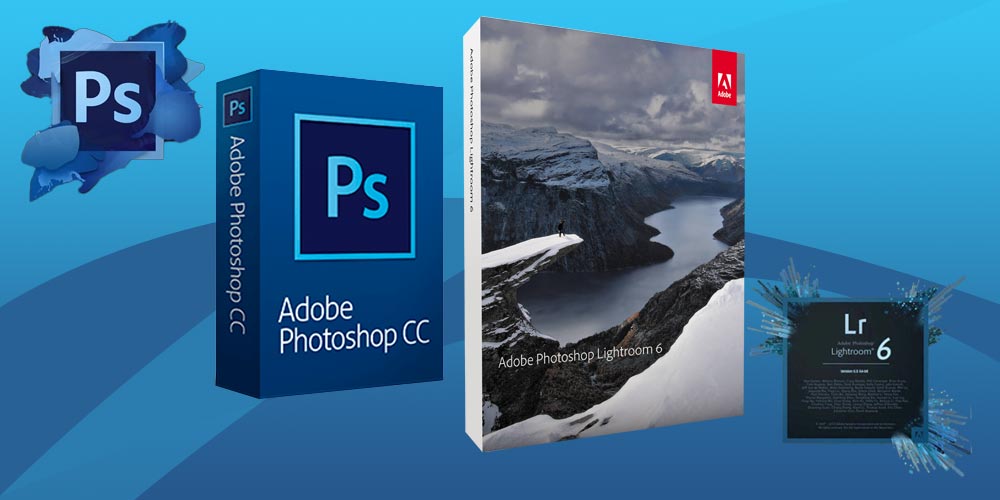
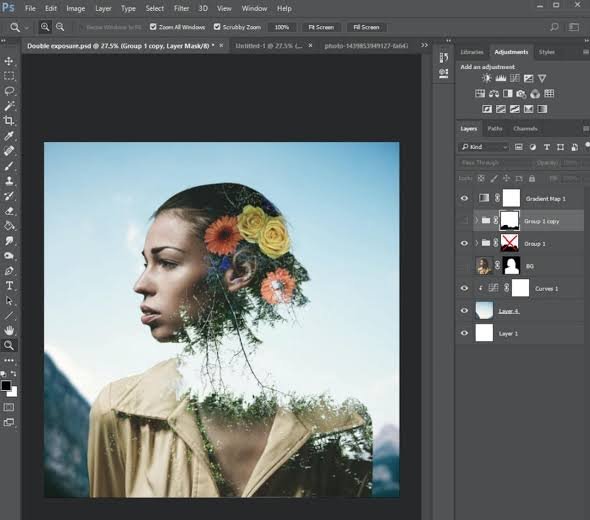
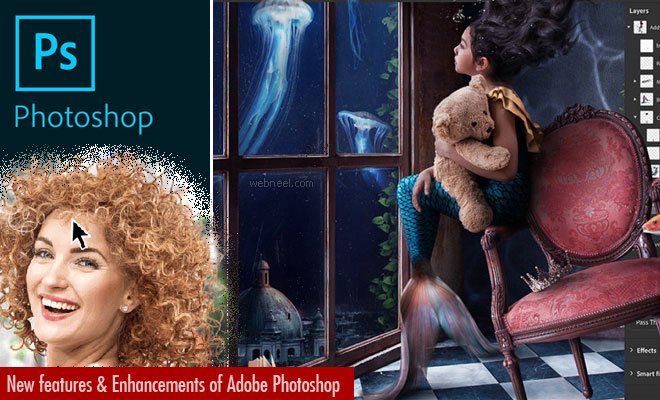
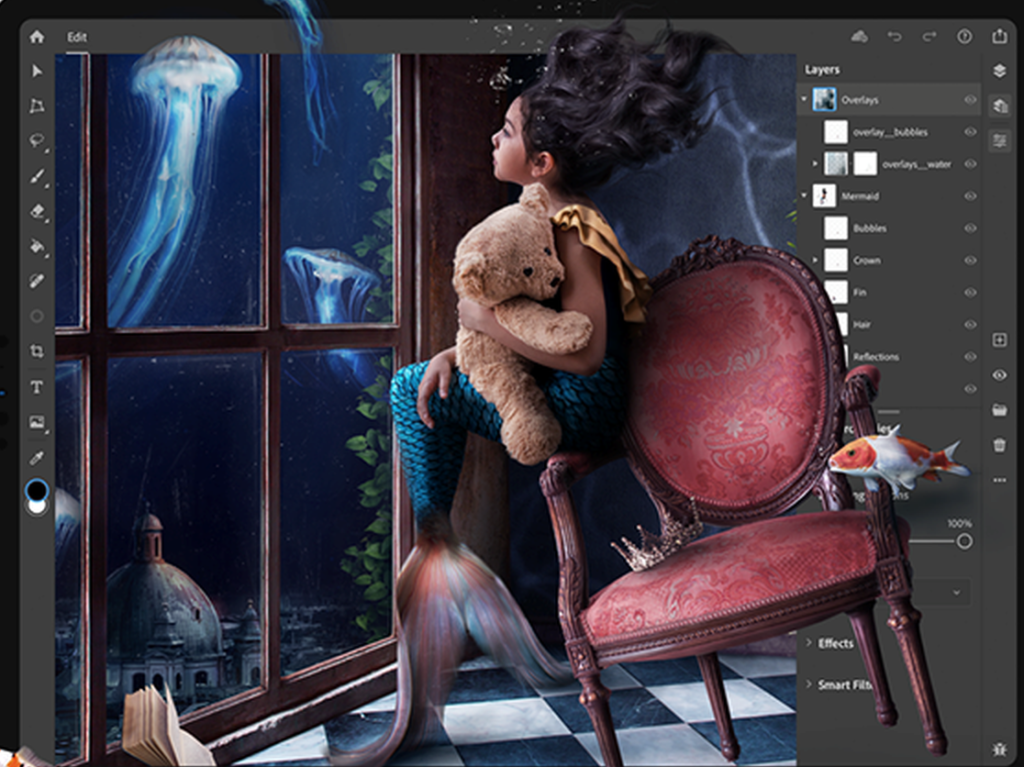
Pho­to­shop skills are in high demand across a range of cre­ative pro­fes­sions. It goes with­out say­ing that Pho­tog­ra­phers reg­u­lar­ly use Pho­to­shop to edit images, but the pro­gram has video edit­ing tools as well. Graph­ic Design­ers can use Pho­to­shop to cre­ate graph­ics and lay­outs for print and dig­i­tal adver­tis­ing.

Grad­u­ates can work in many dif­fer­ent areas, par­tic­u­lar­ly with­in the cre­ative arts and design sec­tor. Employ­ers include adver­tis­ing and mar­ket­ing agen­cies, pub­lish­ers, and graph­ic design, web design or ani­ma­tion com­pa­nies. Most illus­tra­tors are self-employed and gen­er­ate their own work based on client needs.

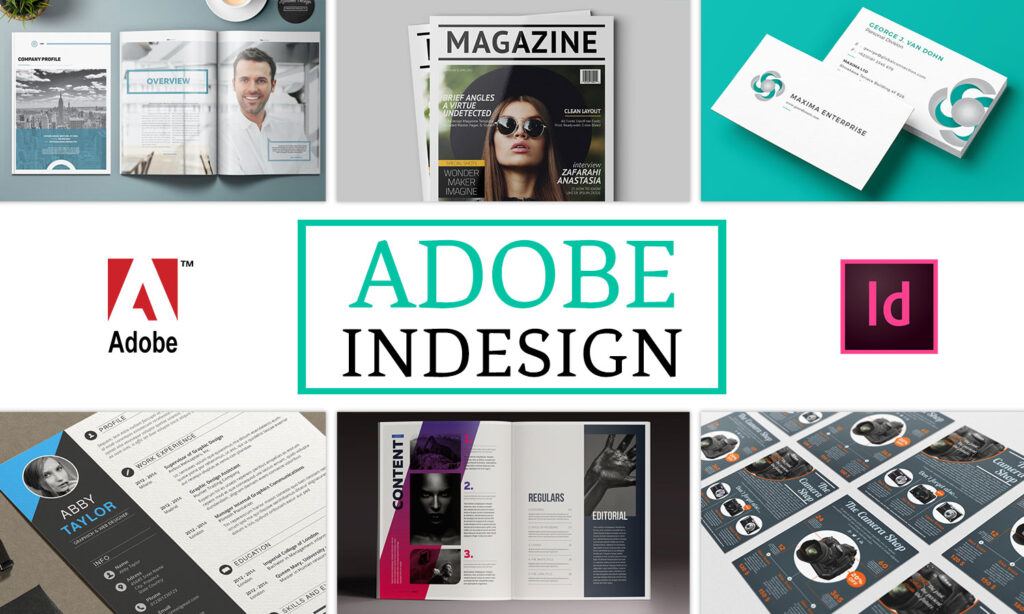
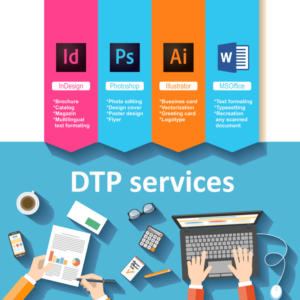
InDe­sign is a desk­top pub­lish­ing and lay­out appli­ca­tion for cre­at­ing books, mag­a­zines, and brochures, as well as print and dig­i­tal pub­li­ca­tions. It’s the indus­try stan­dard edit­ing soft­ware for lay­ing out long-form mul­ti­page doc­u­ments, but it’s not lim­it­ed to that.

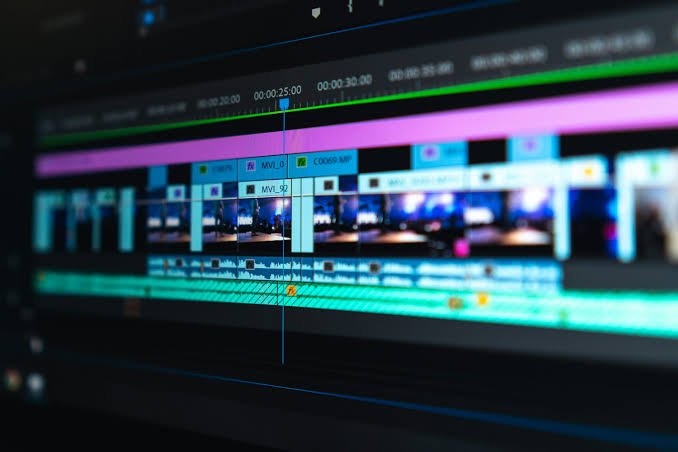
An exten­sive expe­ri­ence in cre­at­ing videos using graph­ics design and video edit­ing is advan­tage part of the graph­ics mod­ule.

Pro­vide a fin­ished ‘look’ for the final footage by using lat­est soft­ware which keeps clear idea where you can learn dig­i­tal­ly prov­ing pic­tures

Motion Graph­ics

COURSE OBJECTIVE

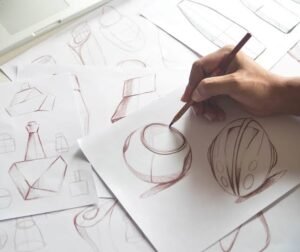
Learn how to con­vert prod­uct ideas into clear and prac­ti­cal design sketch­es. Devel­op skills in con­cept devel­op­ment, pro­prtion, form, funci­ton and tech­ni­cal com­mu­ni­ca­tion for prod­uct design.

The objec­tive of a Prod­uct Design Sketch­ing Course is to devel­op stu­dents’ abil­i­ty to visu­al­ly com­mu­ni­cate prod­uct ideas from ini­tial con­cepts to refined design pre­sen­ta­tions using pro­fes­sion­al sketch­ing tech­niques.

Top­ics:

  • Prod­uct ideation
  • Con­cept sketch­ing
  • Per­spec­tive draw­ing
  • Form & pro­por­tion
  • Free­hand prod­uct sketch­ing
  • Design devel­op­ment
  • Tech­ni­cal com­mu­ni­ca­tion
  • Con­cept-to-prod­uct work­flow

By the end of the course, stu­dents will be able to:

  • Under­stand the fun­da­men­tals of prod­uct design and indus­tri­al design sketch­ing.
  • Devel­op free­hand draw­ing and sketch­ing skills.
  • Under­stand lines, shapes, pro­por­tions, per­spec­tive, and sym­me­try.
  • Cre­ate 2D and 3D prod­uct sketch­es using basic per­spec­tive tech­niques.
  • Apply light, shad­ow, shad­ing, and ren­der­ing to com­mu­ni­cate form and mate­r­i­al.
  • Devel­op and present mul­ti­ple prod­uct con­cepts from an ini­tial idea.
  • Cre­ate design iter­a­tions and vari­a­tions quick­ly through sketch­ing.
  • Sketch prod­ucts such as auto­mo­tive com­po­nents, con­sumer prod­ucts, fur­ni­ture, elec­tron­ics, and mechan­i­cal prod­ucts.
  • Use mark­ers, pen­cils, pens, and dig­i­tal sketch­ing tech­niques for pro­fes­sion­al pre­sen­ta­tions.
  • Devel­op con­cept boards and pre­sen­ta­tion-qual­i­ty prod­uct sketch­es.
  • Under­stand the tran­si­tion from idea → con­cept sketch → refined design → final prod­uct visu­al­iza­tion.
  • Build a port­fo­lio of prod­uct design sketch­es suit­able for aca­d­e­m­ic and pro­fes­sion­al pur­pos­es.


Course Outcome

Stu­dents will gain the con­fi­dence to con­vert their ideas into clear, pro­por­tion­ate, visu­al­ly appeal­ing prod­uct sketch­es and com­mu­ni­cate design con­cepts effec­tive­ly to clients, design­ers, and engi­neer­ing teams.


Suit­able for:

Mechan­i­cal Design — Prod­uct Design  —  Engi­neer­ing Stu­dents — Design­ers — Begin­ners

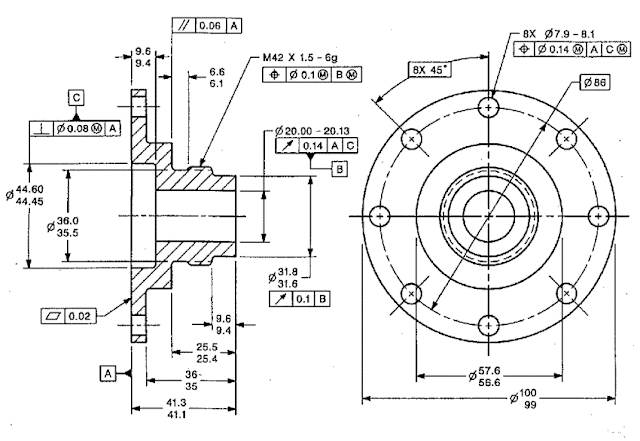
Build a strong foun­da­tion in engi­neer­ing draw­ing and tech­ni­cal sketch­ing. Learn to com­mu­ni­cate design ideas clear­ly through accu­rate free­hand and tech­ni­cal sketch­es.


                                           Course + Assured Place­ments

Contact for the Course

CAD — Com­put­er-Aid­ed Design

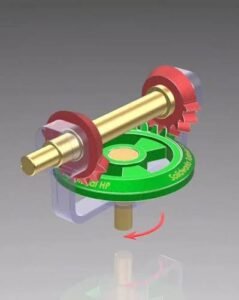
Learn How to Cre­ate 2D draw­ings and 3D mod­els using com­put­er-aid­ed design tools. this course devel­ops prac­ti­cal skills in draft­ing, mod­el­ling, assem­blies and engi­neer­ing doc­u­men­ta­tion used in mechan­i­cal and prod­uct design.

CAM — Com­put­er-Aid­ed Machin­ing

Learn how deig­i­tal prod­uct designs are con­vert­ed into man­u­fac­tur­ing process­es using Com­put­er-Aid­ed Man­u­fac­tur­ing tech­niques. This course intro­duces stu­dents to CNC con­cepts, tool­paths, machin­ing process­es and man­u­fac­tur­ing-ori­ent­ed work­flows

CAM — Com­put­er-Aid­ed Engi­neer­ing

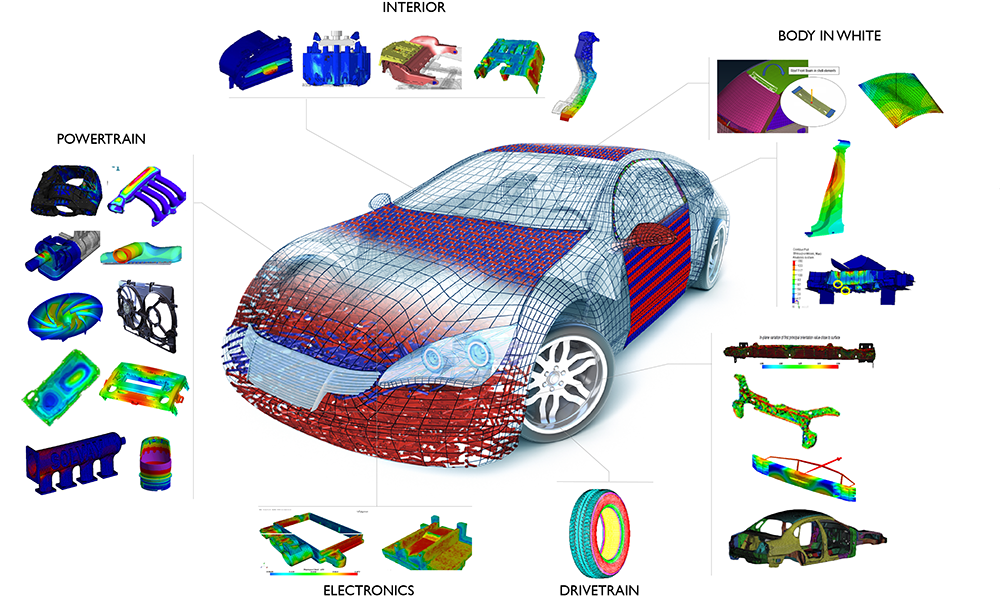
Learn how engi­neer­ing designs can be eval­u­at­ed and val­i­dat­ed using Com­put­er-Aid­ed Engi­neer­ing meth­ods. The course intro­duces sim­u­la­tion and analy­sis tech­niques used to under­stand how prod­ucts and com­po­nents per­form under real-world con­di­tions

Career Oppor­tu­ni­ties:


CAD Design­er — Mechan­i­cal Design­er — Prod­uct Design­er — Design Engi­neer — CAD Engi­neer — Design for Pro­duc­tion — Design for Assem­bly — Design for Man­u­fac­tur­ing — BIW Design­er — Fix­ture Design­er.


Who Can Join:

  • Engi­neer­ing / Diplo­ma stu­dents
  • Grad­u­ates
  • Work­ing Pro­fes­sion­als
  • Begin­ners Inter­est­ed in Mechan­i­cal Design

Career Oppor­tu­ni­ties:


CAM Engi­neer — CNC Pro­gram­mer — Man­u­fac­tur­ing Engi­neer — Pro­duc­tion Engi­neer — CNC Machine Oper­a­tor 

Career Oppor­tu­ni­ties:

CAE Engi­neer — sim­u­la­tion Engi­neer — Design Engi­neer, Mechan­i­cal Analy­sis Engi­neer — Prod­uct Devel­op­ment Engi­neer

Contact for the Course
Course Objective

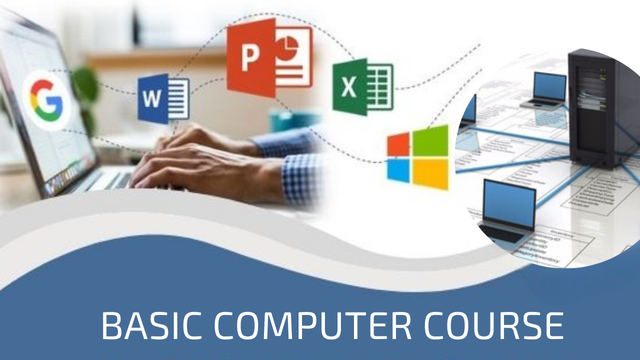
This Basic Com­put­er Course is designed for begin­ners to devel­op essen­tial com­put­er skills required for edu­ca­tion, office work, online ser­vices, and every­day dig­i­tal tasks.

Course Overview

Module 1: Introduction to Computers.
Module 2: Windows Operating System.
Module 3: Keyboard & Typing Skills.
Module 4: Microsoft Word.
Module 5: Microsoft Excel.
Module 6: Microsoft PowerPoint.
Module 7: Internet Basics.
Module 8: Email.
Module 9: Digital & Online Services.
Module 10: Basic Computer Security.
Module 11: Practical Projects.
Module 12: Online Office — Word, Excel & Power Point
Course Duration

A suit­able struc­ture is:

Duration: 1–2 months
Classes: 3–5 days per week
Practical: 60–70%
Theory: 30–40%
Course Outcome

After com­plet­ing the course, stu­dents should be able to oper­ate a com­put­er inde­pen­dent­ly, man­age files and fold­ers, cre­ate Word doc­u­ments, use Excel and Pow­er­Point, browse the Inter­net, com­mu­ni­cate through email, use com­mon online ser­vices, and fol­low basic cyber­se­cu­ri­ty prac­tices.

Additional Course Package includes
  • On-Job Train­ing
  • Resume Build­ing
  • Per­son­al­i­ty Devel­op­ment
  • Inter­view Prepa­ra­tion
  • Place­ment Sup­port
Tal­ly Prime Essen­tial
Tal­ly Prime Advanced
Tal­ly Prime Pro­fes­sion­all

Lorem ipsum dolor sit amet, con­secte­tur adip­isc­ing elit. Ut elit tel­lus, luc­tus nec ullam­cor­p­er mat­tis, pul­v­inar dapibus leo.

Pho­to­shop Design – Foun­da­tion Course
Course Objective

The Pho­to­shop Design Foun­da­tion Course is designed for begin­ners who want to learn the fun­da­men­tals of Adobe Pho­to­shop, image edit­ing, graph­ic design, pho­to retouch­ing, and dig­i­tal art­work through prac­ti­cal exer­cis­es.


Module 1: Introduction to Photoshop
Module 2: Selection & Basic Editing
Module 3: Layers & Layer Management
Module 4: Color & Image Correction
Module 5: Typography & Text Design
Module 6: Photo Retouching
Module 7: Background Removal & Compositing
Module 8: Shapes, Brushes & Design Elements
Module 9: Graphic Design Fundamentals
Module 10: Practical Design Projects
Module 11: Export & Digital Publishing


Foundation Course Outcome

After com­plet­ing the course, stu­dents should be able to nav­i­gate Pho­to­shop con­fi­dent­ly, edit and retouch pho­tographs, remove and replace back­grounds, work with lay­ers and masks, cre­ate typog­ra­phy-based designs, and pro­duce pro­fes­sion­al-look­ing basic graph­ic designs for dig­i­tal and print use


Pho­to­shop Design – Advanced Course Struc­ture
Course Objective

The Advanced Pho­to­shop Design Course is designed for learn­ers who already under­stand Pho­to­shop fun­da­men­tals and want to devel­op pro­fes­sion­al skills in advanced pho­to manip­u­la­tion, retouch­ing, com­posit­ing, dig­i­tal art­work, adver­tis­ing design, and pro­duc­tion-ready graph­ics.


Advanced Course Outcome

After com­plet­ing the course, learn­ers should be able to cre­ate pro­fes­sion­al-qual­i­ty Pho­to­shop art­work from con­cept to final out­put, includ­ing com­plex image manip­u­la­tion, high-end retouch­ing, real­is­tic com­posit­ing, col­or grad­ing, adver­tis­ing cre­atives, dig­i­tal art­work, and print/digital pro­duc­tion files.


Sug­gest­ed dura­tion: 8–12 weeks
Train­ing approach: 20–30% the­o­ry + 70–80% practical/project work


Course Overview
Module 1: Advanced Photoshop Workflow
Module 2: Advanced Selection & Masking
Module 3: Advanced Photo Retouching
Module 4: Advanced Color Grading
Module 5: Advanced Photo Manipulation & Compositing
Module 6: Digital Art & Creative Effects
Module 7: Advanced Typography & Advertising Design
Module 8: Product & Commercial Design
Module 9: Social Media & Digital Content Design
Module 10: Advanced Mockups & Presentation
Module 11: Automation & Productivity
Module 12: Print & Professional Production
Module 13: Portfolio Projects


Adobe Pho­to­shop Pro­fes­sion­al Course
Course Overview

The Adobe Pho­to­shop Pro­fes­sion­al Course is a com­pre­hen­sive, prac­ti­cal pro­gram designed to take learn­ers from fun­da­men­tal Pho­to­shop skills to pro­fes­sion­al-lev­el pho­to edit­ing, graph­ic design, retouch­ing, com­posit­ing, adver­tis­ing cre­atives, dig­i­tal art­work, and AI-assist­ed work­flows.

Pho­to­shop is used for pho­to edit­ing, graph­ic design, posters, dig­i­tal art­work, social-media con­tent, adver­tis­ing, retouch­ing, and image com­posit­ing. Adobe’s cur­rent fea­ture set includes advanced selec­tions and masks, adjust­ment lay­ers, retouch­ing tools, typog­ra­phy, Smart Objects, and gen­er­a­tive AI fea­tures such as Gen­er­a­tive Fill, Gen­er­a­tive Expand, Gen­er­ate Image, Har­mo­nize, and Gen­er­a­tive Upscale.


Course Objectives

By the end of the course, stu­dents will be able to:

  • Under­stand Pho­to­shop’s pro­fes­sion­al work­space and work­flow.

  • Cre­ate and man­age pro­fes­sion­al PSD files.

  • Edit, enhance, and retouch pho­tographs.

  • Work con­fi­dent­ly with lay­ers, masks, chan­nels, Smart Objects, and adjust­ment lay­ers.

  • Make pre­cise selec­tions and com­plex back­ground removals.

  • Per­form pro­fes­sion­al por­trait and prod­uct retouch­ing.

  • Cre­ate real­is­tic pho­to manip­u­la­tions and com­pos­ites.

  • Design posters, adver­tise­ments, ban­ners, social-media cre­atives, and pro­mo­tion­al graph­ics.

  • Apply pro­fes­sion­al typog­ra­phy and lay­out prin­ci­ples.

  • Per­form col­or cor­rec­tion and cre­ative col­or grad­ing.

  • Cre­ate dig­i­tal art­work and visu­al effects.

  • Pre­pare art­work for both dig­i­tal and print pro­duc­tion.

  • Use Pho­to­shop’s cur­rent AI-assist­ed tools appro­pri­ate­ly in cre­ative work­flows. 

Complete Course Structure

Module 1: Photoshop Fundamentals
Module 2: Selection & Object Isolation
Module 3: Layers, Masks & Smart Objects
Module 4: Image Correction & Enhancement
Module 5: Professional Photo Retouching
Module 6: Advanced Photo Manipulation
Module 7: Advanced Compositing
Module 8: Color Correction & Color Grading
Module 9: Typography & Graphic Design
Module 10: Advertising & Marketing Design
Module 11: Social Media Design
Module 12: Product & E‑Commerce Design
Module 13: Digital Art & Creative Effects
Module 14: Mockups & Presentation Design
Module 15: Photoshop AI & Generative Workflows
Module 16: Professional Print Production
Module 17: Professional Workflow & Automation


Projects:
  • Fly­er

  • Brochure

  • Poster

  • Busi­ness card

  • Ban­ner

  • Print adver­tise­ment

  • Cre­ate a cre­ative dig­i­tal-art poster.
  • Cre­ate a com­plete prod­uct adver­tis­ing set.
  • Devel­op a small adver­tis­ing cam­paign con­sist­ing of mul­ti­ple relat­ed cre­atives.
  • Poster

  • Adver­tise­ment

  • Event cre­ative

  • Pro­mo­tion­al ban­ner

  • Social-media graph­ic

  • Cre­ate mul­ti­ple col­or grades from the same pho­to­graph.
  • Cre­ate a pro­fes­sion­al adver­tis­ing com­pos­ite.
  • Cre­ate a real­is­tic mul­ti-image pho­to manip­u­la­tion.
  • Com­plete a pro­fes­sion­al por­trait-retouch­ing project.
  • Restore and enhance a col­lec­tion of poor­ly exposed pho­tographs.
  • Build a mul­ti-lay­er adver­tis­ing com­po­si­tion.
  • Remove the back­ground from peo­ple, prod­ucts and com­plex objects.
  • Cre­ate and save a prop­er­ly struc­tured Pho­to­shop project.
  • Cre­ate a cre­ative dig­i­tal-art poster.
  • Cre­ate a com­plete adver­tis­ing com­po­si­tion using both tra­di­tion­al Pho­to­shop tech­niques and appro­pri­ate AI-assist­ed tools.
Major Practical Projects

The course should be strong­ly project-based. Rec­om­mend­ed projects include:

    1. Pro­fes­sion­al Por­trait Retouch­ing

    2. Back­ground Removal & Prod­uct Cutout

    3. Fash­ion Pho­to Retouch­ing

    4. Cre­ative Pho­to Manip­u­la­tion

    5. Auto­mo­tive Adver­tise­ment

    6. Prod­uct Adver­tise­ment

    7. Social Media Cam­paign

    8. YouTube Thumb­nail Series

    9. Event Poster

    10. Magazine/Fashion Cov­er

    11. E‑commerce Prod­uct Set

    12. Cre­ative Dig­i­tal Art­work

    13. Brand/Product Mock­up

    14. Print Adver­tise­ment

    15. Final Pro­fes­sion­al Port­fo­lio Project

  1. A 70–80% prac­ti­cal / 20–30% the­o­ry approach works well for this type of course.
Who Can Join?

The course can be suit­able for:

  • Stu­dents and begin­ners

  • Graph­ic design learn­ers

  • Pho­tog­ra­phers

  • Free­lancers

  • Social-media design­ers

  • Dig­i­tal mar­keters

  • Pho­tog­ra­phers and pho­to edi­tors

  • Adver­tis­ing pro­fes­sion­als

  • Print-media design­ers

  • Con­tent cre­ators

  • Exist­ing Pho­to­shop users want­i­ng advanced skills

For com­plete begin­ners, the course can start with fun­da­men­tals before pro­gress­ing into pro­fes­sion­al work­flows. Adobe’s own begin­ner mate­r­i­al empha­sizes doc­u­ments, lay­ers, masks, text, retouch­ing, shapes and basic image edit­ing as foun­da­tion­al skills.


Career Areas

Pho­to­shop skills can sup­port work in areas such as:

  • Graph­ic Design­er

  • Pho­to­shop Design­er

  • Pho­to Retouch­er

  • Image Edi­tor

  • Dig­i­tal Mar­ket­ing Design­er

  • Social Media Design­er

  • Adver­tis­ing Design­er

  • E‑commerce Image Edi­tor

  • Prod­uct Image Design­er

  • Cre­ative Design­er

  • Pho­to Manip­u­la­tion Artist

  • Free­lance Graph­ic Design­er

  • Print & Pub­li­ca­tion Design­er

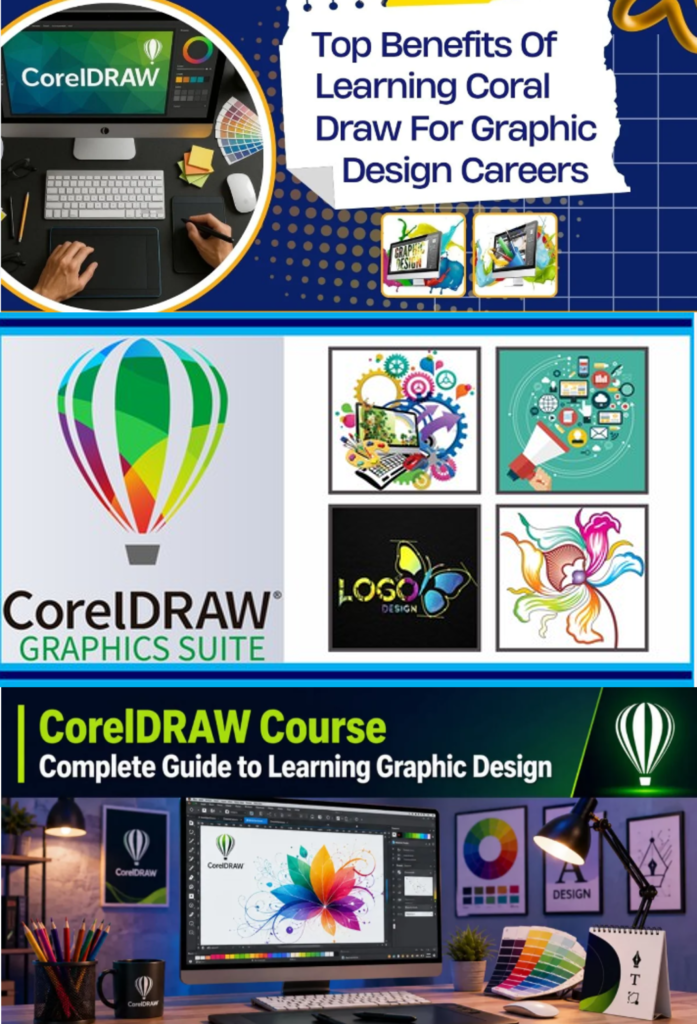
Corel­DRAW Foun­da­tion­al Course

Dura­tion: 4–6 weeks
Lev­el: Begin­ner
Goal: Learn Corel­DRAW from the basics and become capa­ble of cre­at­ing pro­fes­sion­al print and sim­ple dig­i­tal designs.

Mod­ule 1 — Get­ting Start­ed

Mod­ule 2 — Draw­ing & Shapes

Mod­ule 3 — Col­ors & Out­lines

Mod­ule 4 — Text & Typog­ra­phy

Mod­ule 5 — Object Edit­ing

Mod­ule 6 — Prac­ti­cal Design Projects

Mod­ule 7 — Pro­fes­sion­al Work­flow

Final Project

Cre­ate a com­plete busi­ness brand­ing pack­age:

  • Logo
  • Busi­ness card
  • Let­ter­head
  • Fly­er
  • Social-media post

You’ll cre­ate:

  1. Busi­ness card
  2. Logo
  3. Let­ter­head
  4. Flyer/poster
  5. Cer­tifi­cate
  6. Social-media graph­ic
  7. Sim­ple brochure

By the end: you should be com­fort­able nav­i­gat­ing Corel­DRAW, creating/editing vec­tor art­work, work­ing with text and col­ors, and prepar­ing basic designs for print.

Corel­Draw Advanced course

Dura­tion: 6–8 weeks
Lev­el: Advanced
Pre­req­ui­site: Basic knowl­edge of Corel­DRAW tools, shapes, text, col­ors, and object manip­u­la­tion.

Mod­ule 1 — Advanced Vec­tor Draw­ing

Mod­ule 2 — Advanced Object Man­age­ment

Mod­ule 3 — Advanced Shap­ing & Effects

Mod­ule 4 — Advanced Typog­ra­phy

Mod­ule 5 — Pro­fes­sion­al Col­or Man­age­ment

Mod­ule 6 — Advanced Image & Bitmap Han­dling

Mod­ule 7 — Logo & Brand Iden­ti­ty Design

Mod­ule 8 — Print Pro­duc­tion & Pre­press

Mod­ule 9 — Advanced Lay­out Design

Mod­ule 10 — Pack­ag­ing & Die-Line Design

Mod­ule 11 — Automa­tion & Pro­duc­tiv­i­ty

Mod­ule 12 — Indus­try Projects


Final Capstone Project

Cre­ate a com­plete brand launch pack­age:

  • Logo sys­tem
  • Busi­ness card
  • Let­ter­head
  • Enve­lope
  • Prod­uct label
  • Pack­ag­ing art­work
  • Pro­mo­tion­al fly­er
  • Large-for­mat ban­ner
  • Social-media art­work
  • Print-ready PDF files
  • Brand guide­line sheet
Advanced Course Outcome

After com­plet­ing the course, stu­dents should be able to han­dle pro­fes­sion­al vec­tor illus­tra­tion, brand­ing, typog­ra­phy, pack­ag­ing, lay­out design, pre­press and print-pro­duc­tion work­flows in Corel­DRAW.
Corel­Draw com­plete Pro­fes­sion­al Course Pack­age

Dura­tion: 10–12 Weeks
Lev­el: Pro­fes­sion­al
Mode: The­o­ry + Prac­ti­cal + Indus­try Projects
Pre­req­ui­site: Corel­DRAW Foun­da­tion & Advanced-lev­el knowl­edge


Module 1 — Professional CorelDRAW Workflow
Module 2 — Professional Vector Illustration
Module 3 — Professional Logo & Identity Design
Module 4 — Typography & Lettering
Module 5 — Professional Color Management
Module 6 — Image & Vector Integration
Module 7 — Corporate & Marketing Design
Module 8 — Brochure, Catalogue & Publication Design
Module 9 — Packaging Design
Module 10 — Large-Format & Signage Design
Module 11 — Prepress & Print Production
Module 12 — Professional Production Workflow
Module 13 — Freelancing & Design Business


Professional Projects

Stu­dents com­plete a port­fo­lio con­sist­ing of:

  1. Com­plete cor­po­rate iden­ti­ty
  2. Pro­fes­sion­al logo col­lec­tion
  3. Brochure/catalogue
  4. Prod­uct pack­ag­ing
  5. Label & stick­er set
  6. Adver­tis­ing poster
  7. Large-for­mat ban­ner
  8. Social-media cam­paign
  9. Vehicle/signage art­work
  10. Com­plete print-ready brand cam­paign
Final Capstone

Real-world Brand Design Project

Stu­dents take a fic­tion­al or real busi­ness from brief → con­cept → logo → brand iden­ti­ty → mar­ket­ing mate­r­i­al → pack­ag­ing → print-ready pro­duc­tion files.

Skills After Completion

A pro­fes­sion­al-lev­el stu­dent should be able to work on brand­ing, logo design, adver­tis­ing, print design, pack­ag­ing, pub­li­ca­tion lay­outs, sig­nage, large-for­mat graph­ics and print-pro­duc­tion art­work, while fol­low­ing a pro­fes­sion­al client-to-print work­flow.

Scroll to Top