Popular courses
Choose your course to reach your destiny
Course Program
Explore Our Courses
Industry-Oriented training designed to build practical, Job-Oriented skills.
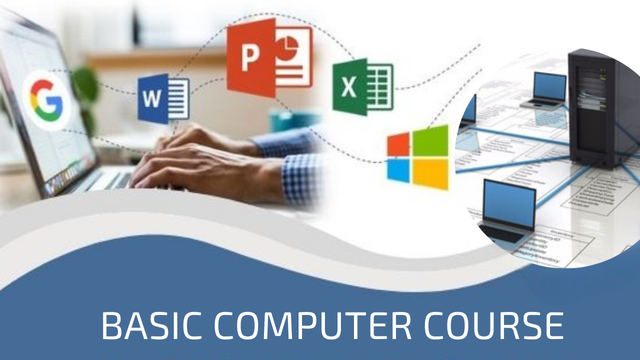
Computers can be used for online education & research. With the help of the internet, students can find useful information about their projects, assignments and also can take useful help from other researchers as they store & organize their research materials in computers.
Course + Assured Placements
Contact for the Course
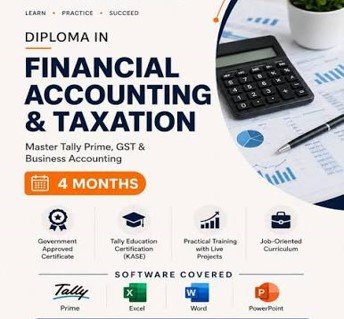
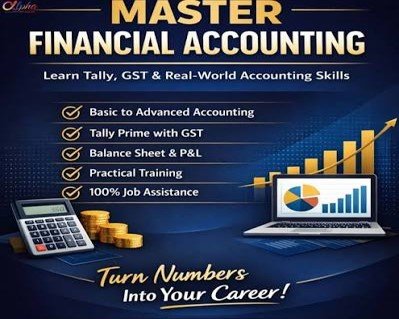
TallyPrime is a complete business management software for small and medium business. TallyPrime helps you manage accounting, inventory, banking, taxation, banking, payroll and much more to get rid of complexities, and in turn, focus on business growth.
Students who complete the Tally course might pursue a variety of careers in the business and public sectors. They work in a wide range of settings, including banks, financial organisation, and other businesses.
Course + Assured Placements
Contact for the Course
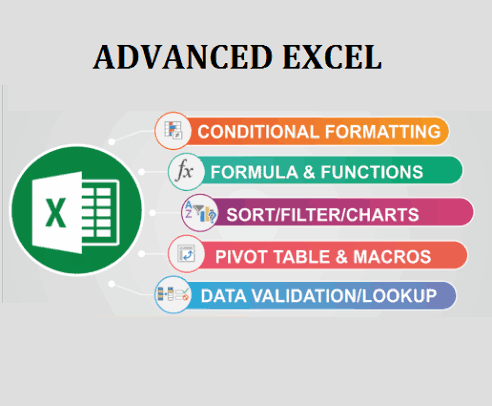
- Basic Excel & Advanced Excel
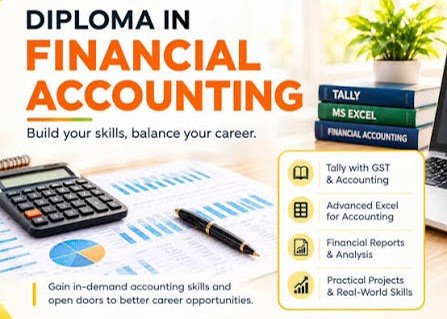
Develop Advanced Excel Skills for professional work, data analysis, and reporting. Learn formulas, funcitons, Lookup tools, Pivot Tables, Charts, dashboards, and practical Business applications
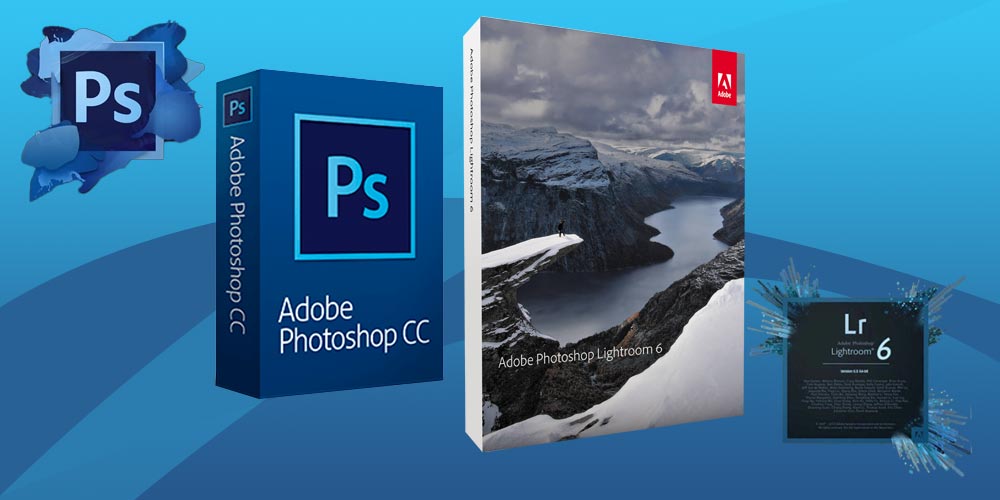
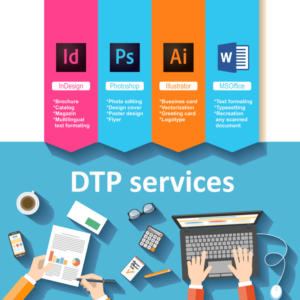
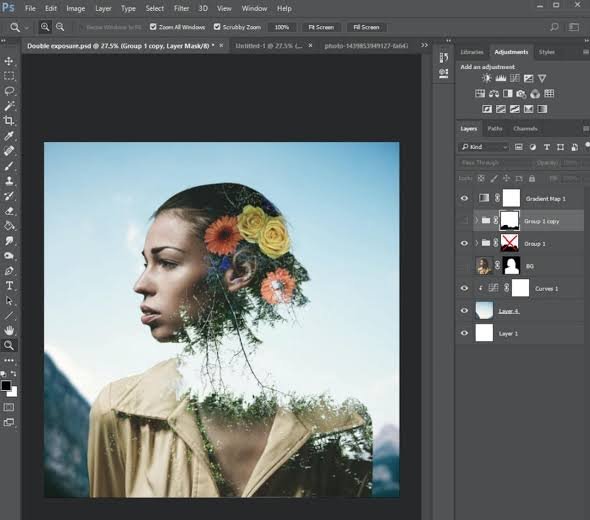
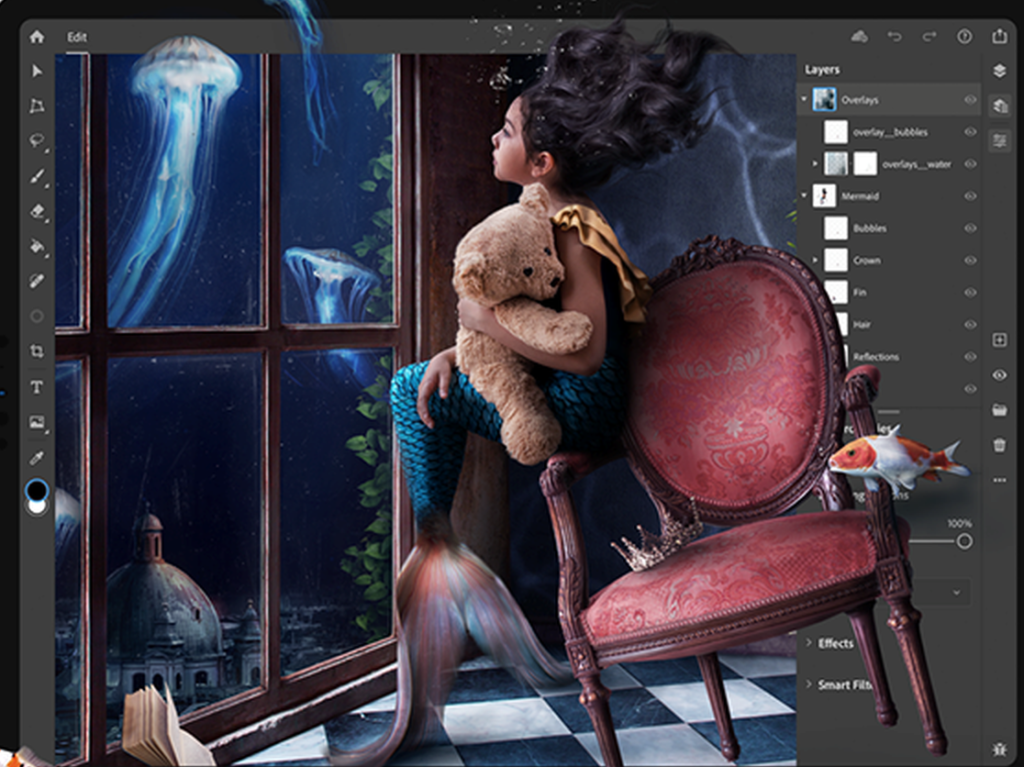
Photoshop skills are in high demand across a range of creative professions. It goes without saying that Photographers regularly use Photoshop to edit images, but the program has video editing tools as well. Graphic Designers can use Photoshop to create graphics and layouts for print and digital advertising.
Graduates can work in many different areas, particularly within the creative arts and design sector. Employers include advertising and marketing agencies, publishers, and graphic design, web design or animation companies. Most illustrators are self-employed and generate their own work based on client needs.
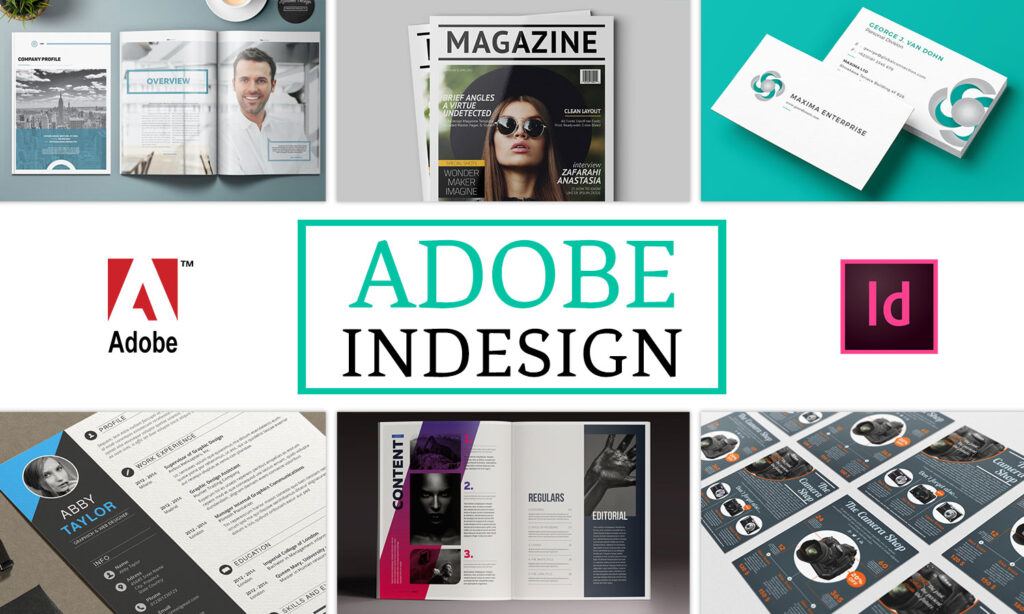
InDesign is a desktop publishing and layout application for creating books, magazines, and brochures, as well as print and digital publications. It’s the industry standard editing software for laying out long-form multipage documents, but it’s not limited to that.
An extensive experience in creating videos using graphics design and video editing is advantage part of the graphics module.
Provide a finished ‘look’ for the final footage by using latest software which keeps clear idea where you can learn digitally proving pictures
COURSE OBJECTIVE
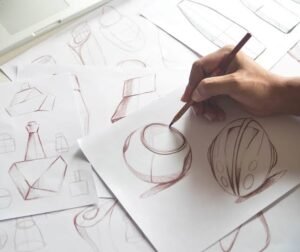
Learn how to convert product ideas into clear and practical design sketches. Develop skills in concept development, proprtion, form, funciton and technical communication for product design.
The objective of a Product Design Sketching Course is to develop students’ ability to visually communicate product ideas from initial concepts to refined design presentations using professional sketching techniques.
Topics:
- Product ideation
- Concept sketching
- Perspective drawing
- Form & proportion
- Freehand product sketching
- Design development
- Technical communication
- Concept-to-product workflow
By the end of the course, students will be able to:
- Understand the fundamentals of product design and industrial design sketching.
- Develop freehand drawing and sketching skills.
- Understand lines, shapes, proportions, perspective, and symmetry.
- Create 2D and 3D product sketches using basic perspective techniques.
- Apply light, shadow, shading, and rendering to communicate form and material.
- Develop and present multiple product concepts from an initial idea.
- Create design iterations and variations quickly through sketching.
- Sketch products such as automotive components, consumer products, furniture, electronics, and mechanical products.
- Use markers, pencils, pens, and digital sketching techniques for professional presentations.
- Develop concept boards and presentation-quality product sketches.
- Understand the transition from idea → concept sketch → refined design → final product visualization.
- Build a portfolio of product design sketches suitable for academic and professional purposes.
Course Outcome
Students will gain the confidence to convert their ideas into clear, proportionate, visually appealing product sketches and communicate design concepts effectively to clients, designers, and engineering teams.
Suitable for:
Mechanical Design — Product Design — Engineering Students — Designers — Beginners
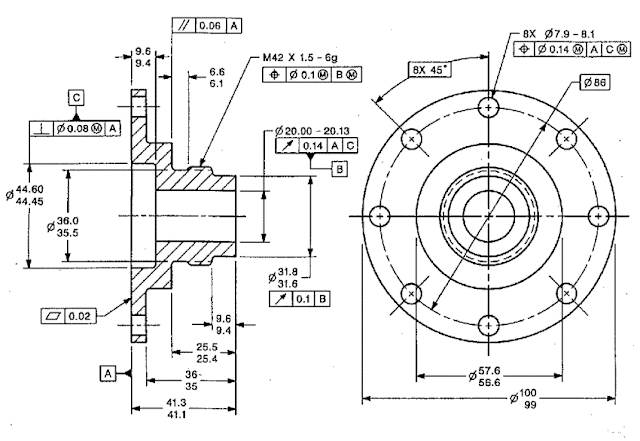
Build a strong foundation in engineering drawing and technical sketching. Learn to communicate design ideas clearly through accurate freehand and technical sketches.
Course + Assured Placements
Contact for the Course
CAD — Computer-Aided Design
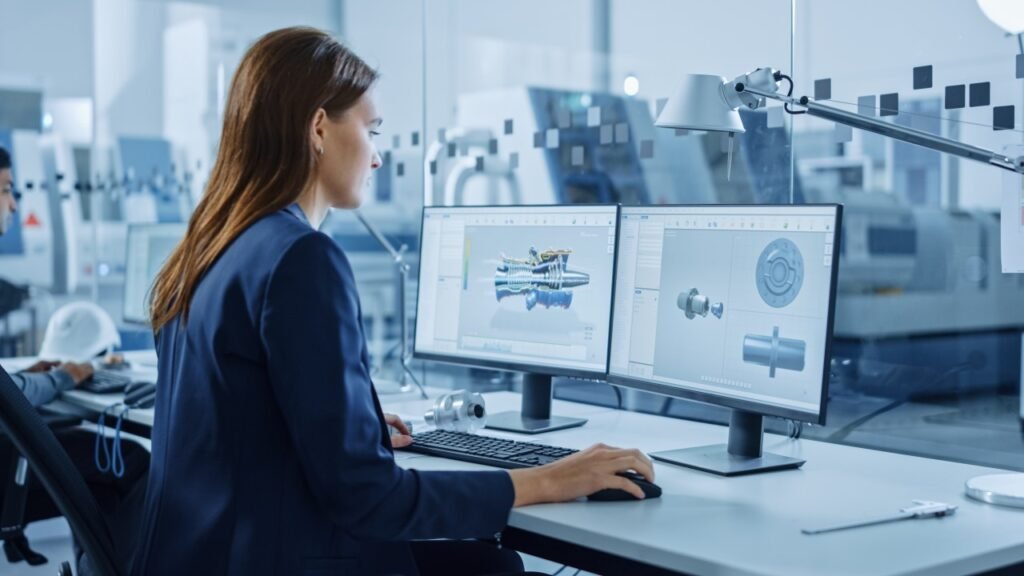
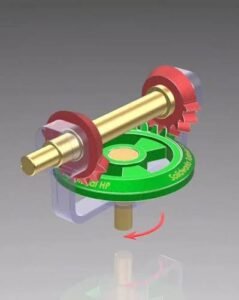
Learn How to Create 2D drawings and 3D models using computer-aided design tools. this course develops practical skills in drafting, modelling, assemblies and engineering documentation used in mechanical and product design.
CAM — Computer-Aided Machining
Learn how deigital product designs are converted into manufacturing processes using Computer-Aided Manufacturing techniques. This course introduces students to CNC concepts, toolpaths, machining processes and manufacturing-oriented workflows
CAM — Computer-Aided Engineering
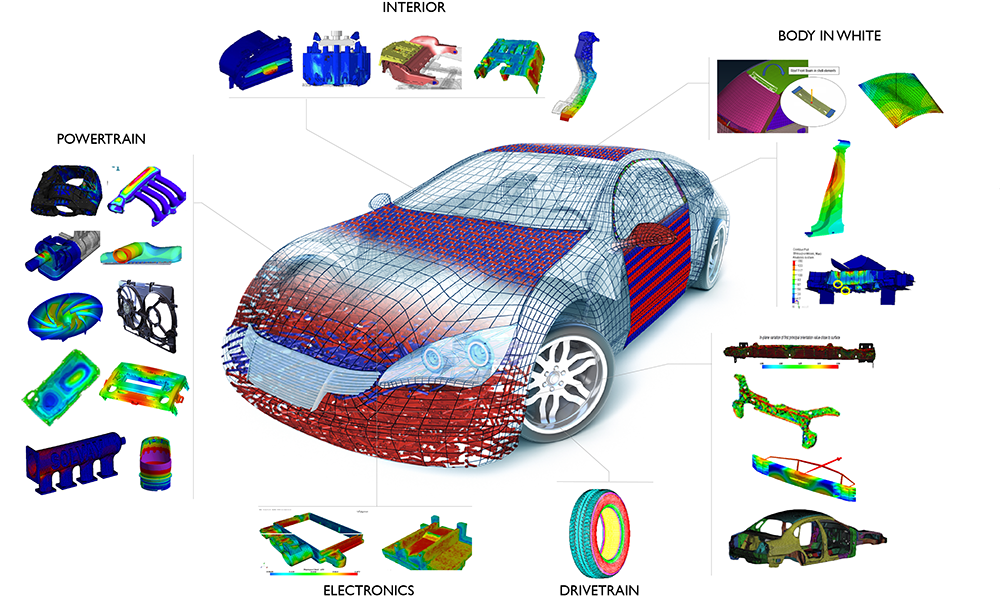
Learn how engineering designs can be evaluated and validated using Computer-Aided Engineering methods. The course introduces simulation and analysis techniques used to understand how products and components perform under real-world conditions
Career Opportunities:
CAD Designer — Mechanical Designer — Product Designer — Design Engineer — CAD Engineer — Design for Production — Design for Assembly — Design for Manufacturing — BIW Designer — Fixture Designer.
Who Can Join:
- Engineering / Diploma students
- Graduates
- Working Professionals
- Beginners Interested in Mechanical Design
Career Opportunities:
CAM Engineer — CNC Programmer — Manufacturing Engineer — Production Engineer — CNC Machine Operator
Career Opportunities:
CAE Engineer — simulation Engineer — Design Engineer, Mechanical Analysis Engineer — Product Development Engineer
- Basic Computer
- Page Maker
- Photoshop
- Indesign
- Illustrator
- MS Office
Contact for the Course


Course Objective
This Basic Computer Course is designed for beginners to develop essential computer skills required for education, office work, online services, and everyday digital tasks.
Course Overview
Module 1: Introduction to Computers.
Module 2: Windows Operating System.
Module 3: Keyboard & Typing Skills.
Module 4: Microsoft Word.
Module 5: Microsoft Excel.
Module 6: Microsoft PowerPoint.
Module 7: Internet Basics.
Module 8: Email.
Module 9: Digital & Online Services.
Module 10: Basic Computer Security.
Module 11: Practical Projects.
Module 12: Online Office — Word, Excel & Power Point
Course Duration
A suitable structure is:
Duration: 1–2 months
Classes: 3–5 days per week
Practical: 60–70%
Theory: 30–40%
Course Outcome
After completing the course, students should be able to operate a computer independently, manage files and folders, create Word documents, use Excel and PowerPoint, browse the Internet, communicate through email, use common online services, and follow basic cybersecurity practices.
Additional Course Package includes
- On-Job Training
- Resume Building
- Personality Development
- Interview Preparation
- Placement Support
Tally Prime Essential
Tally Prime Advanced
Tally Prime Professionall
Lorem ipsum dolor sit amet, consectetur adipiscing elit. Ut elit tellus, luctus nec ullamcorper mattis, pulvinar dapibus leo.


Photoshop Design – Foundation Course
Course Objective
The Photoshop Design Foundation Course is designed for beginners who want to learn the fundamentals of Adobe Photoshop, image editing, graphic design, photo retouching, and digital artwork through practical exercises.
Module 1: Introduction to Photoshop
Module 2: Selection & Basic Editing
Module 3: Layers & Layer Management
Module 4: Color & Image Correction
Module 5: Typography & Text Design
Module 6: Photo Retouching
Module 7: Background Removal & Compositing
Module 8: Shapes, Brushes & Design Elements
Module 9: Graphic Design Fundamentals
Module 10: Practical Design Projects
Module 11: Export & Digital Publishing
Foundation Course Outcome
After completing the course, students should be able to navigate Photoshop confidently, edit and retouch photographs, remove and replace backgrounds, work with layers and masks, create typography-based designs, and produce professional-looking basic graphic designs for digital and print use
Photoshop Design – Advanced Course Structure
Course Objective
The Advanced Photoshop Design Course is designed for learners who already understand Photoshop fundamentals and want to develop professional skills in advanced photo manipulation, retouching, compositing, digital artwork, advertising design, and production-ready graphics.
Advanced Course Outcome
After completing the course, learners should be able to create professional-quality Photoshop artwork from concept to final output, including complex image manipulation, high-end retouching, realistic compositing, color grading, advertising creatives, digital artwork, and print/digital production files.
Suggested duration: 8–12 weeks
Training approach: 20–30% theory + 70–80% practical/project work
Course Overview
Module 1: Advanced Photoshop Workflow
Module 2: Advanced Selection & Masking
Module 3: Advanced Photo Retouching
Module 4: Advanced Color Grading
Module 5: Advanced Photo Manipulation & Compositing
Module 6: Digital Art & Creative Effects
Module 7: Advanced Typography & Advertising Design
Module 8: Product & Commercial Design
Module 9: Social Media & Digital Content Design
Module 10: Advanced Mockups & Presentation
Module 11: Automation & Productivity
Module 12: Print & Professional Production
Module 13: Portfolio Projects
Adobe Photoshop Professional Course
Course Overview
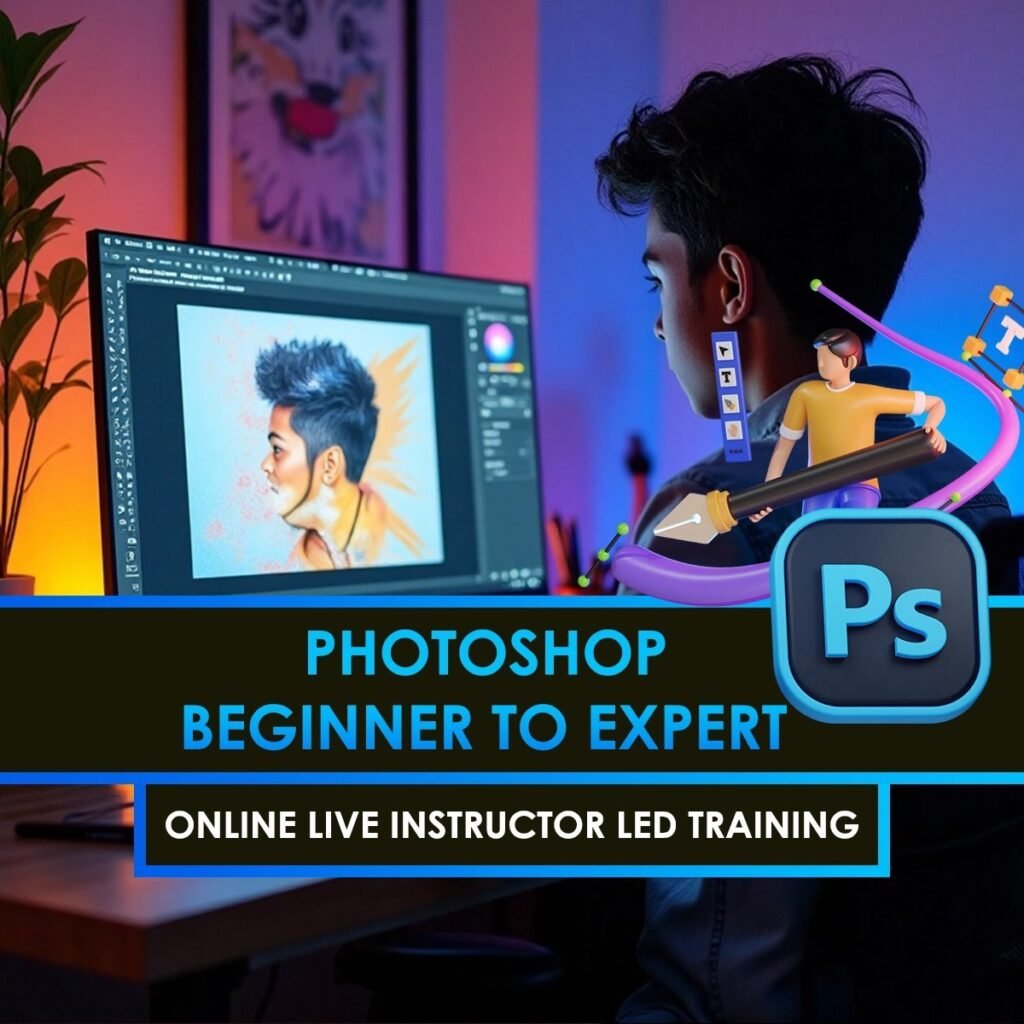
The Adobe Photoshop Professional Course is a comprehensive, practical program designed to take learners from fundamental Photoshop skills to professional-level photo editing, graphic design, retouching, compositing, advertising creatives, digital artwork, and AI-assisted workflows.
Photoshop is used for photo editing, graphic design, posters, digital artwork, social-media content, advertising, retouching, and image compositing. Adobe’s current feature set includes advanced selections and masks, adjustment layers, retouching tools, typography, Smart Objects, and generative AI features such as Generative Fill, Generative Expand, Generate Image, Harmonize, and Generative Upscale.
Course Objectives
By the end of the course, students will be able to:
Understand Photoshop’s professional workspace and workflow.
Create and manage professional PSD files.
Edit, enhance, and retouch photographs.
Work confidently with layers, masks, channels, Smart Objects, and adjustment layers.
Make precise selections and complex background removals.
Perform professional portrait and product retouching.
Create realistic photo manipulations and composites.
Design posters, advertisements, banners, social-media creatives, and promotional graphics.
Apply professional typography and layout principles.
Perform color correction and creative color grading.
Create digital artwork and visual effects.
Prepare artwork for both digital and print production.
Use Photoshop’s current AI-assisted tools appropriately in creative workflows.
Complete Course Structure
Module 1: Photoshop Fundamentals
Module 2: Selection & Object Isolation
Module 3: Layers, Masks & Smart Objects
Module 4: Image Correction & Enhancement
Module 5: Professional Photo Retouching
Module 6: Advanced Photo Manipulation
Module 7: Advanced Compositing
Module 8: Color Correction & Color Grading
Module 9: Typography & Graphic Design
Module 10: Advertising & Marketing Design
Module 11: Social Media Design
Module 12: Product & E‑Commerce Design
Module 13: Digital Art & Creative Effects
Module 14: Mockups & Presentation Design
Module 15: Photoshop AI & Generative Workflows
Module 16: Professional Print Production
Module 17: Professional Workflow & Automation
Projects:
Flyer
Brochure
Poster
Business card
Banner
Print advertisement
- Create a creative digital-art poster.
- Create a complete product advertising set.
- Develop a small advertising campaign consisting of multiple related creatives.
Poster
Advertisement
Event creative
Promotional banner
Social-media graphic
- Create multiple color grades from the same photograph.
- Create a professional advertising composite.
- Create a realistic multi-image photo manipulation.
- Complete a professional portrait-retouching project.
- Restore and enhance a collection of poorly exposed photographs.
- Build a multi-layer advertising composition.
- Remove the background from people, products and complex objects.
- Create and save a properly structured Photoshop project.
- Create a creative digital-art poster.
- Create a complete advertising composition using both traditional Photoshop techniques and appropriate AI-assisted tools.
Major Practical Projects
The course should be strongly project-based. Recommended projects include:
Professional Portrait Retouching
Background Removal & Product Cutout
Fashion Photo Retouching
Creative Photo Manipulation
Automotive Advertisement
Product Advertisement
Social Media Campaign
YouTube Thumbnail Series
Event Poster
Magazine/Fashion Cover
E‑commerce Product Set
Creative Digital Artwork
Brand/Product Mockup
Print Advertisement
Final Professional Portfolio Project
- A 70–80% practical / 20–30% theory approach works well for this type of course.
Who Can Join?
The course can be suitable for:
Students and beginners
Graphic design learners
Photographers
Freelancers
Social-media designers
Digital marketers
Photographers and photo editors
Advertising professionals
Print-media designers
Content creators
Existing Photoshop users wanting advanced skills
For complete beginners, the course can start with fundamentals before progressing into professional workflows. Adobe’s own beginner material emphasizes documents, layers, masks, text, retouching, shapes and basic image editing as foundational skills.
Career Areas
Photoshop skills can support work in areas such as:
Graphic Designer
Photoshop Designer
Photo Retoucher
Image Editor
Digital Marketing Designer
Social Media Designer
Advertising Designer
E‑commerce Image Editor
Product Image Designer
Creative Designer
Photo Manipulation Artist
Freelance Graphic Designer
Print & Publication Designer
CorelDRAW Foundational Course
Duration: 4–6 weeks
Level: Beginner
Goal: Learn CorelDRAW from the basics and become capable of creating professional print and simple digital designs.
Module 1 — Getting Started
Module 2 — Drawing & Shapes
Module 3 — Colors & Outlines
Module 4 — Text & Typography
Module 5 — Object Editing
Module 6 — Practical Design Projects
Module 7 — Professional Workflow
Final Project
Create a complete business branding package:
- Logo
- Business card
- Letterhead
- Flyer
- Social-media post
You’ll create:
- Business card
- Logo
- Letterhead
- Flyer/poster
- Certificate
- Social-media graphic
- Simple brochure
By the end: you should be comfortable navigating CorelDRAW, creating/editing vector artwork, working with text and colors, and preparing basic designs for print.
CorelDraw Advanced course
Duration: 6–8 weeks
Level: Advanced
Prerequisite: Basic knowledge of CorelDRAW tools, shapes, text, colors, and object manipulation.
Module 1 — Advanced Vector Drawing
Module 2 — Advanced Object Management
Module 3 — Advanced Shaping & Effects
Module 4 — Advanced Typography
Module 5 — Professional Color Management
Module 6 — Advanced Image & Bitmap Handling
Module 7 — Logo & Brand Identity Design
Module 8 — Print Production & Prepress
Module 9 — Advanced Layout Design
Module 10 — Packaging & Die-Line Design
Module 11 — Automation & Productivity
Module 12 — Industry Projects
Final Capstone Project
Create a complete brand launch package:
- Logo system
- Business card
- Letterhead
- Envelope
- Product label
- Packaging artwork
- Promotional flyer
- Large-format banner
- Social-media artwork
- Print-ready PDF files
- Brand guideline sheet
Advanced Course Outcome
After completing the course, students should be able to handle professional vector illustration, branding, typography, packaging, layout design, prepress and print-production workflows in CorelDRAW.

CorelDraw complete Professional Course Package
Duration: 10–12 Weeks
Level: Professional
Mode: Theory + Practical + Industry Projects
Prerequisite: CorelDRAW Foundation & Advanced-level knowledge
Module 1 — Professional CorelDRAW Workflow
Module 2 — Professional Vector Illustration
Module 3 — Professional Logo & Identity Design
Module 4 — Typography & Lettering
Module 5 — Professional Color Management
Module 6 — Image & Vector Integration
Module 7 — Corporate & Marketing Design
Module 8 — Brochure, Catalogue & Publication Design
Module 9 — Packaging Design
Module 10 — Large-Format & Signage Design
Module 11 — Prepress & Print Production
Module 12 — Professional Production Workflow
Module 13 — Freelancing & Design Business
Professional Projects
Students complete a portfolio consisting of:
- Complete corporate identity
- Professional logo collection
- Brochure/catalogue
- Product packaging
- Label & sticker set
- Advertising poster
- Large-format banner
- Social-media campaign
- Vehicle/signage artwork
- Complete print-ready brand campaign
Final Capstone
Real-world Brand Design Project
Students take a fictional or real business from brief → concept → logo → brand identity → marketing material → packaging → print-ready production files.
Skills After Completion
A professional-level student should be able to work on branding, logo design, advertising, print design, packaging, publication layouts, signage, large-format graphics and print-production artwork, while following a professional client-to-print workflow.