
Microsoft Excel Pro — Complete Job Ready Course
About Course
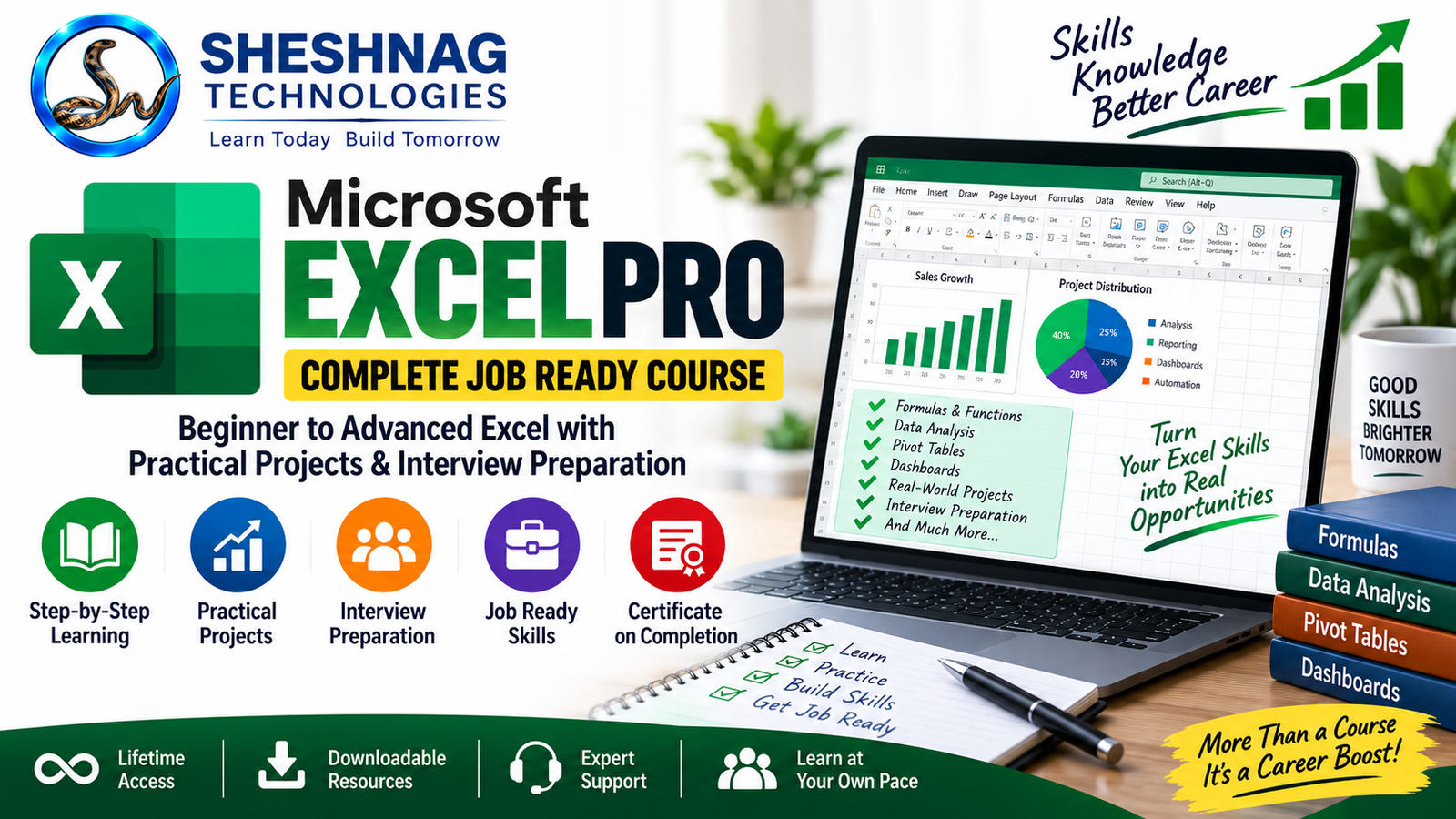
Microsoft Excel Pro – Complete Job Ready Course is a practical, career-focused Excel program designed to take learners from beginner to advanced level.
This course covers Excel fundamentals, formulas and functions, data management, advanced Excel techniques, Pivot Tables, data analysis, charts, dashboards, reporting and practical workplace applications.
Students will work on real-world Excel projects and job-oriented exercises designed to build confidence for office work, professional reporting and Excel-based interview assessments.
The course also includes dedicated Excel interview preparation with commonly asked interview questions, practical tasks, formula-based problems, data-cleaning exercises, reporting challenges and mock Excel assessment activities.
By the end of the course, learners will have a strong practical understanding of Microsoft Excel and be better prepared to use Excel confidently in workplace and interview situations.
Course Content
Section 1 — Excel Fundamentals
-
Introduction to Microsoft Excel
-
Excel Interface and Workbook Basics
-
Worksheets, Rows, Columns and Cells
-
Data Entry and Editing
-
Formatting Cells and Worksheets
-
Working with Multiple Worksheets
Section 2 — Excel Formulas & Basic Functions
Section 3 — Data Management
Section 4 — Essential Text, Date & Logical Functions
Section 5 — Lookup & Advanced Functions
Section 6 — Data Analysis with Excel
Section 7 — Pivot Tables & Pivot Charts
Section 8 — Charts & Dashboard Development
Section 9 — Professional Reporting
Section 10 — Advanced Excel & Productivity
Section 11 — Real-World Excel Projects
Section 12 — Excel Interview Preparation
Student Ratings & Reviews